
Asana and Trello are both collaborative work-management platforms, but they occupy different ends of the complexity spectrum. Trello is best for lightweight, visual task tracking, while Asana is better suited to structured, cross-functional project and portfolio management.
How Asana Works
Asana organizes work in a hierarchy: Goals → Portfolios → Projects → Tasks → Subtasks. A task is the basic unit of work and typically has an owner, due date, collaborators, description, attachments, comments, and custom fields.
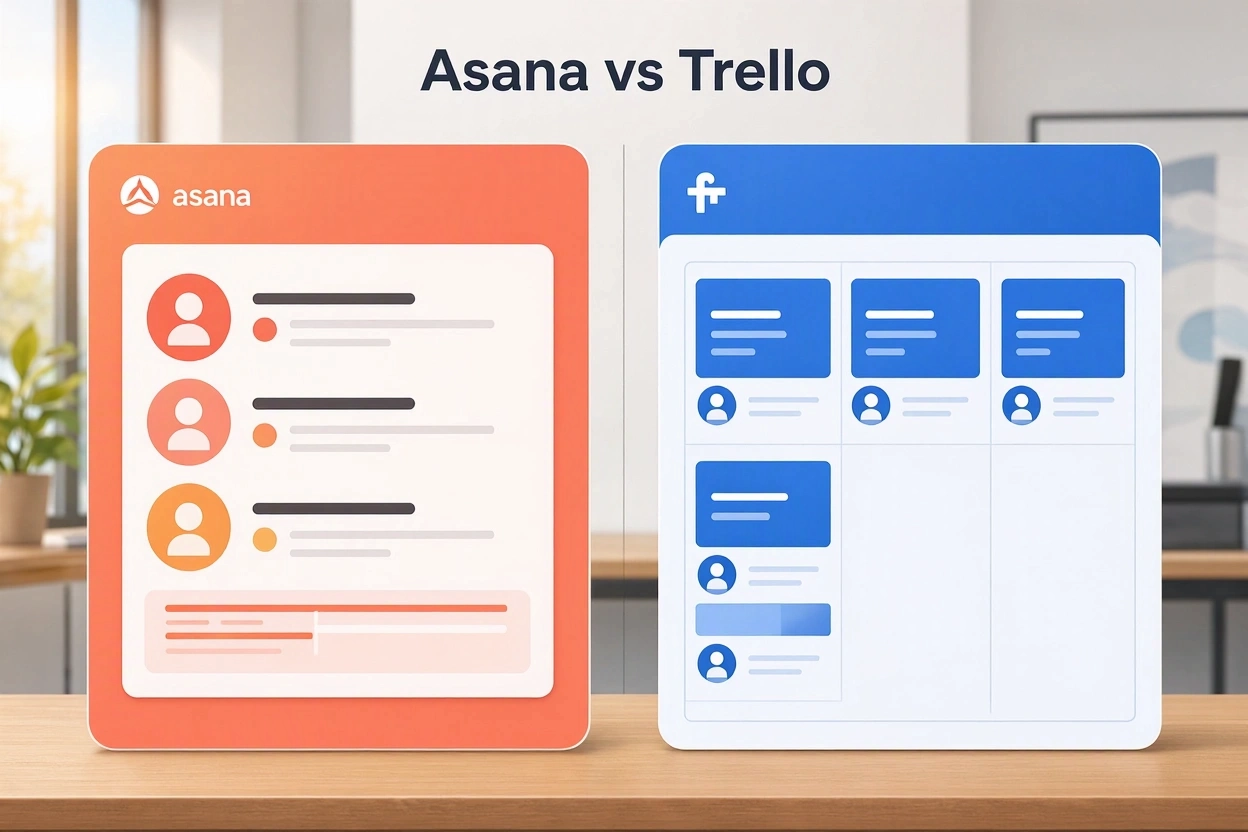
Teams create a project for an initiative—such as a product launch, marketing campaign, or editorial calendar—then break it into sections, tasks, milestones, and dependencies. The same project can be viewed as a list, Kanban board, calendar, timeline, or Gantt chart without rebuilding the underlying data.
Asana’s automation feature, Rules, handles repetitive work such as assigning tasks, changing statuses, updating custom fields, and sending reminders. More advanced capabilities include portfolios for tracking related projects, workload views for capacity planning, forms for standardized work intake, and dashboards for reporting.
Its pricing begins with a free Personal plan for up to two users; Starter is $10.99 per user per month billed annually, and Advanced is $24.99 per user per month billed annually. Enterprise and Enterprise+ plans are custom-priced.
How Trello Works
Trello is built around a simple Kanban model: boards contain lists, and lists contain cards. A board represents a project, workflow, or shared workspace; a card represents a task, idea, request, or item moving through a process.
A card’s front shows quick details such as its title, labels, members, and due date, while its back can hold descriptions, checklists, attachments, comments, and activity history. Users move cards from one list to another—for example, from “To Do” to “In Progress” to “Done”—to show progress visually.
Trello’s automation tool, Butler, can automatically move cards, assign members, set due dates, archive items, and trigger actions based on board activity. It also offers Timeline, Table, Calendar, Dashboard, Map, and Workspace views, though some of these are limited to paid plans.
Trello’s free plan supports up to 10 collaborators per Workspace. Standard costs $5 per user per month billed annually, Premium is $10 per user per month billed annually, and Enterprise is $17.50 per user per month billed annually for organizations with 50 or more seats.
Similarities
| Area | Asana and Trello |
|---|---|
| Core purpose | Both help teams organize work, assign responsibility, set deadlines, and track completion. |
| Collaboration | Both support comments, mentions, attachments, due dates, assignees, and shared workspaces. |
| Kanban support | Both offer board views for visualizing work as it moves through stages. |
| Automation | Asana uses Rules; Trello uses Butler. Both reduce repetitive administrative work. |
| Integrations | Both connect with common business tools such as Slack, Google Drive, Gmail, Microsoft Teams, and calendar applications. |
| Flexible use cases | Both can be adapted for marketing, product work, IT requests, client projects, onboarding, and internal operations. |
| Freemium pricing | Both offer a free tier, with more advanced views, automation, reporting, and administration available in paid plans. |
The key distinction is that Trello treats the board as the primary organizing model, whereas Asana treats the task-and-project structure as primary and offers boards as one of several views.
How Businesses Use Them
Asana in organizations
Asana is commonly used where work spans multiple teams, dependencies matter, and leadership needs visibility. Marketing teams can plan campaigns on a timeline; product teams can manage roadmaps; operations teams can use forms and approvals; and executives can monitor portfolios and goals.
Its multi-homing feature allows one task to appear in multiple projects while remaining a single source of truth, which is useful for cross-departmental work. Portfolios then aggregate related projects, while dashboards and reports help managers identify overdue work, bottlenecks, and project health.
Asana is particularly valuable for organizations that need process discipline: task dependencies, Gantt-style planning, workload balancing, standardized intake forms, and company-wide reporting.
Trello in organizations
Trello is often used as a visual operating system for smaller teams or simpler workflows. Businesses use it for content pipelines, sales pipelines, client-service queues, IT request tracking, onboarding checklists, meeting agendas, and resource hubs.
For example, a sales team can create columns such as “New Lead,” “Contacted,” “Proposal Sent,” and “Closed,” with each prospect represented as a card. Labels can show priority, checklists can track next steps, and Butler can automatically assign follow-up tasks or move cards when a stage changes.
Trello Enterprise adds centralized administration, permissions, SAML SSO through Atlassian Guard, security controls, and support for larger organizations.
Positive Feedback
Trello
Users consistently praise Trello for being easy to learn, visual, and fast to adopt. G2 reviewers frequently highlight its intuitive drag-and-drop interface, clear task organization, flexibility, and strong collaboration features.
Capterra reviewers also emphasize its real-time collaboration, centralized communication, file sharing, checklists, labels, due dates, and Butler automation. Many say teams can become productive within minutes and without formal training.
Trello’s major strengths are:
- Very low onboarding effort and minimal training requirements.
- Clear visual progress tracking through boards, lists, and cards.
- Strong value for small and mid-sized teams.
- Flexible boards that can model many workflows, from content production to CRM and IT requests.
- Useful automation through Butler.
Asana
Asana receives strong feedback for its clean interface, task accountability, workflow capabilities, and project visibility. G2 users frequently praise its task management, collaboration, workflow features, and ability to keep work organized.
Users also value its multiple project views, integration with Google Calendar, deadline reminders, automations, and ability to connect everyday work to broader goals.
Asana’s major strengths are:
- Strong structure for complex, multi-team projects.
- Timeline, Gantt, dependencies, milestones, and workload planning.
- Portfolios and dashboards for management-level visibility.
- Rules that automate recurring workflow steps.
- Better fit than Trello for scaling cross-functional operations.
Negative Feedback
Trello
The most common criticism of Trello is that its simplicity becomes a limitation as projects grow. G2 users frequently mention limited features, weak native reporting, limited customization, and difficulty visualizing dependencies between tasks.
Capterra reviewers report that large boards can become cluttered, that reporting often requires third-party tools or paid Power-Ups, and that the platform is less suitable for complex projects requiring resource management or native Gantt charts.
Common Trello complaints include:
- Limited native reporting and analytics.
- Weak support for complex task dependencies.
- Boards can become messy as card volume increases.
- Advanced views and automation may require paid plans.
- Some users find notifications inconsistent or overwhelming.
Asana
Asana’s main criticism is that its depth can create a steeper learning curve. G2 reviewers commonly cite difficulty with rules, project organization, search, navigation, and setup for complex workspaces.
Users also report notification overload, especially when participating in multiple projects, and frustration that advanced reporting, automation, portfolios, and workload features are restricted to higher-priced tiers.
Common Asana complaints include:
- Steeper learning curve than Trello.
- Excessive notifications if settings are not customized.
- Important reporting and automation features locked behind premium plans.
- Can feel overwhelming in large or poorly structured projects.
- Some users find task and subtask movement less intuitive than expected.
Overall Review
| Criterion | Asana | Trello |
|---|---|---|
| Best for | Cross-functional teams, structured projects, portfolios, and process-driven work. | Small teams, simple workflows, visual task tracking, and quick adoption. |
| Ease of use | Good, but more setup and learning required. | Excellent; boards are intuitive and require little training. |
| Project planning | Strong: dependencies, timelines, Gantt charts, milestones, workload. | Basic to moderate: Timeline and Calendar exist, but depth is limited. |
| Reporting | Strong dashboards, portfolios, and project reporting. | Basic native reporting; advanced insight often needs paid views or integrations. |
| Automation | Rules for task assignment, status changes, reminders, and workflow handoffs. | Butler for card moves, assignments, due dates, and board maintenance. |
| Scalability | Better for larger organizations and complex programs. | Better for small teams; can become cluttered at scale. |
| Starting price | Free Personal plan; Starter at $10.99 per user/month annually. | Free for up to 10 collaborators; Standard at $5 per user/month annually. |
| Main drawback | Complexity, notifications, and premium-feature paywalls. | Limited depth for complex projects and reporting. |
Verdict
Choose Trello if your team wants a fast, inexpensive, visual tool for straightforward task management, content workflows, client pipelines, or lightweight project coordination. It is especially strong for teams that value simplicity and can keep boards well organized.
Choose Asana if your organization needs a more complete work-management system with dependencies, timelines, portfolios, workload planning, reporting, and cross-team coordination. It costs more and takes more effort to configure, but it is substantially better equipped for complex business operations.
In short: Trello wins on simplicity and adoption speed; Asana wins on structure, visibility, and scalability. For a small team managing uncomplicated work, Trello is usually the more practical choice. For a growing organization coordinating multiple departments and dependent workstreams, Asana is the stronger long-term platform.